The mysterious triangle on your Samsung Galaxy screen: what it means
Samsung smartphone users often encounter a mysterious triangle icon in the status bar that limits notifications. Here is how the data saver mode works.
 💡Tech
Photo: UNIAN
Key points
- The triangle with arrows indicates data saver mode
- The feature limits background app activity and notifications
- The mode can be disabled or configured with exceptions in settings
Why the unusual icon appears
Samsung Galaxy smartphone users sometimes notice a triangle icon with arrows pointing in opposite directions in the status bar. Many perceive this symbol as a warning of a technical malfunction, but in reality, it indicates the activation of the system's "Data Saver" feature.
This mode is most often enabled accidentally via the quick settings panel or due to careless handling of the device. The main purpose of the function is to restrict background mobile internet usage, which helps significantly reduce data consumption.
How the mode affects smartphone performance
Once "Data Saver" is activated, the system restricts apps from accessing the network in the background. As a result, users may experience delays or a complete lack of notifications from messengers, email, and social networks. Automatic data synchronization is also paused.
If you want to return to the device's normal operation, simply turn off this feature in the network settings. For those who still want to save data but need stable connectivity, it is possible to configure exceptions, allowing you to select critical apps that will continue to work without restrictions.
Source UNIAN — unian.ua/techno/software/trikutnik-u-ryadku-stanu-samsung-shcho-ozn… ↗
Read next
 🎓Education
Geographical myth: why Everest is not the highest mountain on the planet
While Everest is considered the highest point above sea level, the Mauna Kea volcano in Hawaii significantly exceeds it in total height from its base.
 🛡️Security
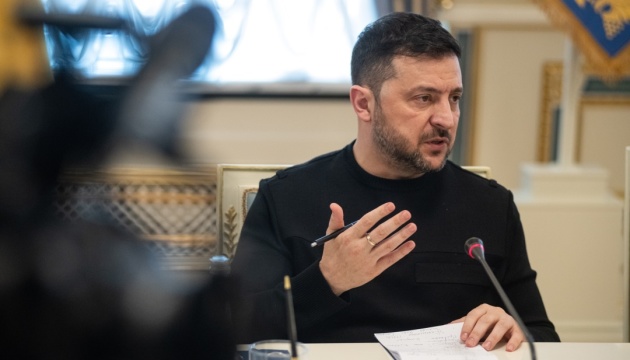
Enemy attempts to cut off Odesa and Dnipropetrovsk regions from power: President's statement
Volodymyr Zelensky reported on targeted Russian strikes against energy infrastructure, causing significant power outages across several regions.
 🏛️Politics
Jared Kushner outlines Trump's conditions for security guarantees to Ukraine
Jared Kushner, special envoy for Donald Trump, stated that the US could consider security guarantees for Ukraine similar to NATO's Article 5 under specific conditions.
 🏙️City
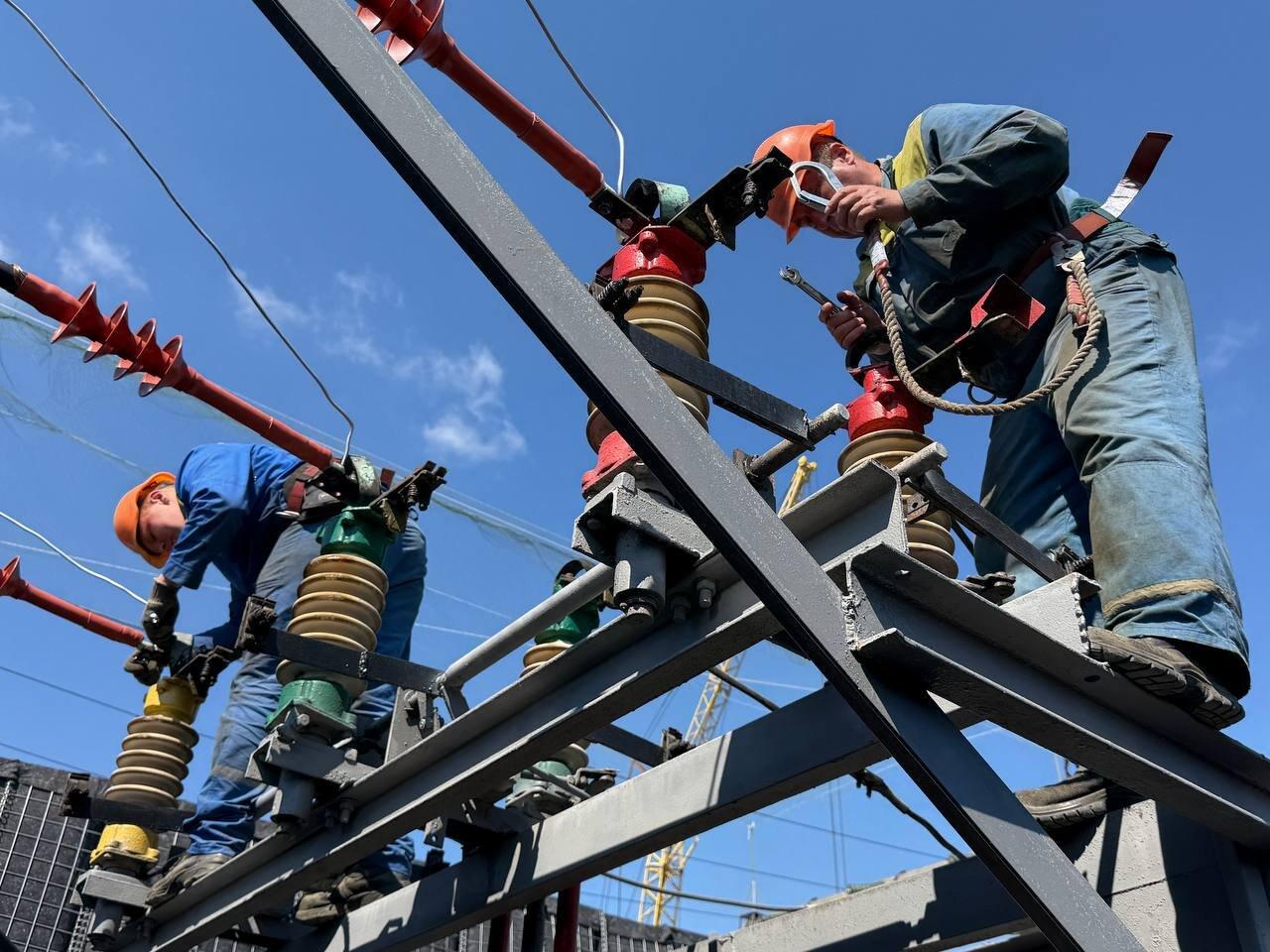
Hourly Power Outage Schedules in Zaporizhzhia for November 23
JSC Zaporizhzhiaoblenergo has released the electricity restriction schedule for regional consumers for Monday, November 23.
 🎭Culture & Sport
The secret to nutritious sardines: why you shouldn't discard the bones
Nutritionists explain that the tiny bones in canned sardines are a valuable source of calcium that consumers often overlook.
 🏛️Politics
Jared Kushner announces start of negotiations on new security architecture
US Special Envoy Jared Kushner announced the start of multilateral consultations involving Ukraine, the EU, and Russia to reach peace agreements.